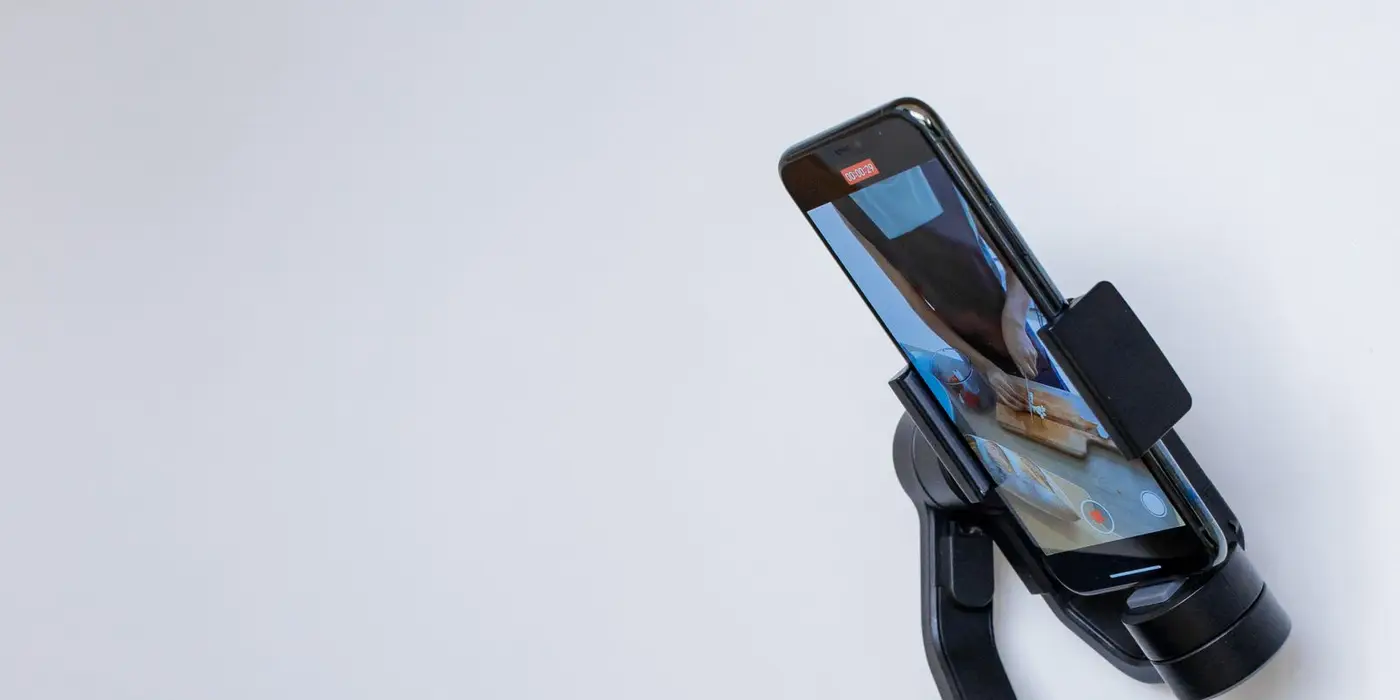
Short answer: Both platforms want vertical video at 9:16, but the floors differ. YouTube recommends 1080 x 1920 and accepts down to 720 x 1280 in HD, with files up to 256 GB. TikTok's non-Spark In-Feed ads start at 540 x 960, cap files at 500 MB and need a bitrate of at least 516 kbps. Length is where they split: TikTok allows up to 10 minutes, while Google's vertical Shorts guidance is 6 to 60 seconds. Figures from Google's video ad specs and the TikTok In-Feed spec page, checked 2026-11-10.
If you are cutting one vertical master for both platforms, you want a single list of what has to be true. Most of it overlaps. A few details do not, and those are the ones that get an upload rejected on a Friday afternoon.
Side by side: the vertical video specs
| Item | YouTube (Google Ads) | TikTok (non-Spark In-Feed) |
|---|---|---|
| Vertical ratio | 9:16 (2:3 and 4:5 also accepted) | 9:16 (recommended) |
| Recommended size | 1080 x 1920 | No single recommended size, 540 x 960 or larger |
| Minimum size | 720 x 1280 (HD), 480 x 640 (SD, not recommended) | 540 x 960 |
| File formats | .MPG recommended, MP4, MOV, WebM, HEVC and others accepted | .mp4, .mov, .mpeg, .3gp, .avi |
| Max file size | 256 GB | 500 MB |
| Bitrate | Not listed on the page | 516 kbps or more |
| Length | Depends on format (see below) | Up to 10 minutes |
| Audio-only files | Not accepted | Not listed on the page |
The gap that matters most in practice is file size. A 1080 x 1920 export that is perfectly fine for YouTube can blow past 500 MB if it runs long, and TikTok will not take it. Check the export size before you check anything else.
Practical tip: export one 1080 x 1920 master, then make a TikTok-sized copy with a capped bitrate if the file is large. Do not go the other way and upscale a 540 x 960 file for YouTube.
Resolution and ratio: where each platform is stricter
Google lists three tiers for every shape. For vertical, that is 1080 x 1920 recommended, 720 x 1280 as the HD minimum, and 480 x 640 for SD, with a note that it does not recommend SD. It also accepts 2:3 and 4:5 vertical as alternatives, though 9:16 is the one it names as standard.
TikTok is simpler. Vertical is "recommended" at 9:16 and at least 540 x 960. Horizontal (16:9, 960 x 540 or larger) and square (1:1, 640 x 640 or larger) are also allowed, but they sit inside a vertical feed and use less of the screen. You can test an existing file against both with our aspect ratio checker.
Length: the big difference
TikTok gives one number for non-Spark ads: up to 10 minutes. For Spark Ads, which boost an existing organic post, the page lists video duration as "No restrictions".
YouTube does not have one number, because length changes with the format. The relevant lines from Google's pages, reopened today:
- Skippable in-stream: any length, no minimum or maximum, per Google's skippable in-stream page. Viewers can skip after 5 seconds.
- In-feed video: 15 seconds recommended for the vertical 1080 x 1920 version, per Google's video ad specs.
- Video reach, vertical (Shorts): 6 to 60 seconds recommended, same page.
- Video action campaigns: 10 seconds or more recommended for vertical.
So "vertical on YouTube" is not one spec. A 9:16 video for Shorts placements in Video reach is steered to 6 to 60 seconds, while a vertical skippable ad has no cap. For the full list including bumpers and non-skippable limits, see YouTube ad lengths by format.
Practical tip: if you are making one cut for both, aim for 15 to 30 seconds. It sits inside the YouTube vertical recommendations and is far below TikTok's ceiling, so you are never the one fighting a limit.
Text next to the video
The video file is only half the ad. Text rules also differ, and they are often what forces a rewrite.
| Field | YouTube | TikTok |
|---|---|---|
| In-feed headline | 2 lines, 40 characters per line | Not applicable |
| In-feed description | 2 lines, 35 characters per line | Not applicable |
| Skippable in-stream headline and description | 15 characters or fewer (CTA 10 or fewer) | Not applicable |
| Caption (non-Spark) | Not applicable | No clickable links, @ symbols or hashtags; white uniform font |
| Caption (Spark) | Not applicable | Pulled from the organic post, 4 lines max shown |
| Account name | Uses your YouTube channel | One line, 20 characters (10 for Chinese, Japanese, Korean) |
Google adds that in-feed headlines are excluded from the desktop and TV watch page and may not show on mobile, so the video has to work without them. TikTok's page does not give a character limit for non-Spark ad text. Our TikTok specs page carries 100 characters from TikTok's API for Business docs, which we did not reopen for this post, so treat that number as last checked on 2026-11-02. Draft your lines in the character counter.
Safe zones: both are published, neither is the same
Each platform covers part of the frame with its own interface. Google offers transparent PNG templates for horizontal, vertical and square videos, and says to keep logos, products and supers inside the red safe area. TikTok supplies downloadable zip files, a standard left-to-right version, an Arabic right-to-left version and versions for ads with anchors.
We measured the TikTok standard file in our TikTok safe zone guide: on a 720 x 1280 frame, 80 px clear left and right, 160 px at the top and 440 px at the bottom. We did not measure Google's templates for this post, so we are not quoting margins for YouTube. Download the PNG, put it on a top layer, and check by eye.
Practical tip: when one export has to serve both, build your text area from the more restrictive of the two overlays and keep it on a layer you can toggle. Do that before you add subtitles, not after.
What about Meta?
Facebook and Instagram Reels use 9:16 as well. Our Meta Reels specs page has the sizes, lengths and safe zone percentages from the Meta Ads Guide. We did not reopen Meta's pages for this post, so we are leaving Meta out of the comparison table and not quoting figures here.
A vertical video checklist for YouTube and TikTok
- Export at 1080 x 1920, 9:16. Never go below 720 x 1280 for YouTube or 540 x 960 for TikTok.
- Keep the file under 500 MB if it is going to TikTok. YouTube's ceiling is 256 GB.
- For TikTok non-Spark, hold the bitrate at 516 kbps or more.
- Use .mp4 or .mov. Both platforms take them.
- Pick the YouTube format first, because it sets the length: 15 seconds for in-feed, 6 to 60 seconds for Shorts in Video reach.
- Strip links, @ handles and hashtags from non-Spark TikTok captions.
- Check text against each platform's safe zone template before you finalise.
For the full tables, see our YouTube video ad specs and TikTok In-Feed ad specs pages.
FAQ
Can I use the same vertical video on YouTube and TikTok?
Usually yes. A 1080 x 1920, 9:16 .mp4 meets both platforms' size rules. Check the file size against TikTok's 500 MB limit, the bitrate against its 516 kbps minimum, and the safe zones for each platform.
What is the minimum size for a vertical YouTube ad?
Google lists 720 x 1280 as the minimum for HD vertical video and 480 x 640 as the SD minimum. It recommends 1080 x 1920 and says it does not recommend SD.
How long can a vertical TikTok ad be?
Non-Spark In-Feed ads can run up to 10 minutes. TikTok lists Spark Ads duration as no restrictions.
What length should a vertical YouTube Shorts ad be?
For Video reach campaigns, Google recommends 6 to 60 seconds for vertical 9:16. That is guidance, not a hard cap, and other formats have their own lengths.
Does YouTube have a bitrate requirement like TikTok?
Google's video ad specs page does not list a minimum bitrate. TikTok requires 516 kbps or more for non-Spark In-Feed ads.
Running vertical video on both and not sure which is earning its budget? Ask about an ad account audit.
✓ VerifiedLast checked 2026-11-16 Source: support.google.com, support.google.com, support.google.com, ads.tiktok.com.